Group Fetch: export members of your WhatsApp groups
Load your WhatsApp groups and save their members into a phonebook or file.
Contacts 1 min read
Updated:
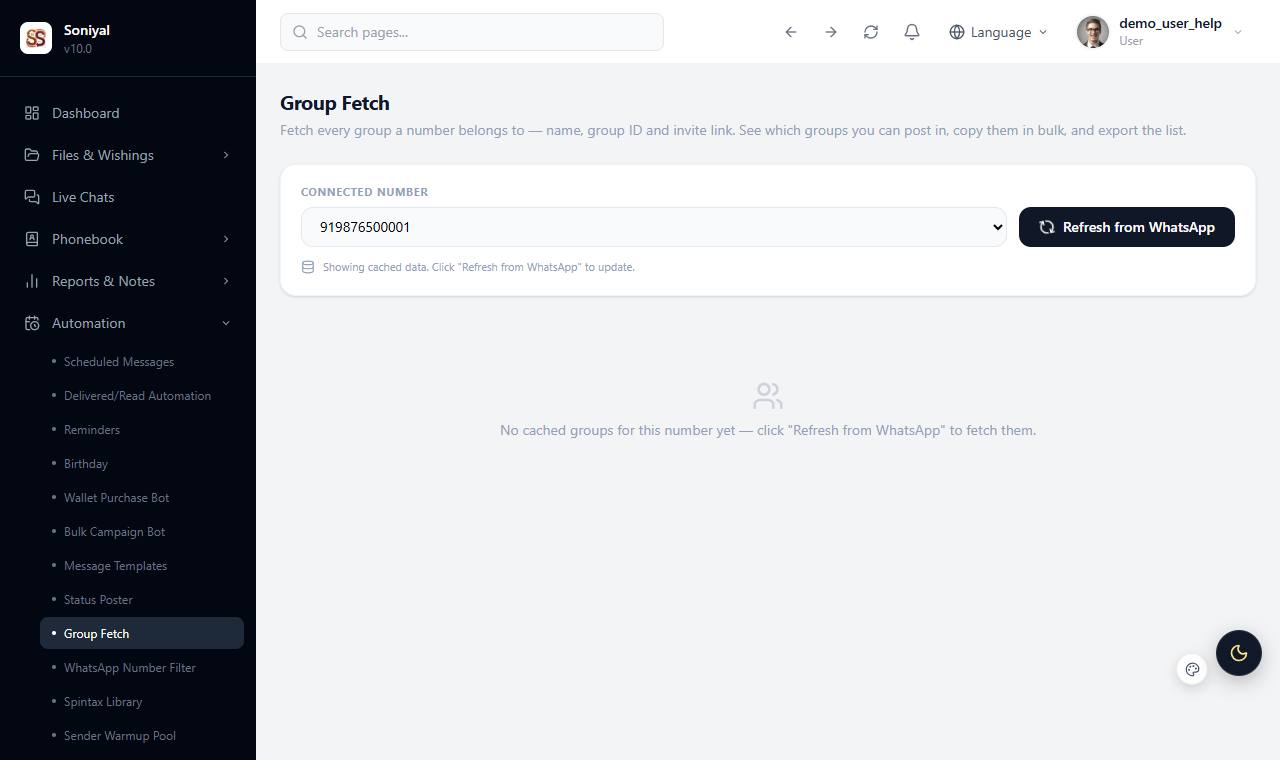
Group Fetch reads the groups your connected number belongs to and lists their members, so you can turn an active community into a phonebook.
When to use it
When you manage community groups and want to message members individually or keep a backup of members.
Example
A society secretary exports the members of “Block A residents” and sends them a maintenance notice individually.
Pro tips
- Respect privacy and only message people who expect to hear from you.
- Fetch again later to catch new members.
Step by step
-
Select the device Choose the number that is a member of the groups.
-
Open Group Fetch Go to Automation → Group Fetch.
-
Load groups Press fetch to list the groups of that number.
-
Choose a group Select the group whose members you need.
-
Save Send the members to a phonebook or export them as a file.
Frequently asked questions
Why is a group missing?
The connected number must be a member of the group.
Will members be notified?
No, fetching is silent.
Ready to try it yourself?
Create a free account and connect your first WhatsApp number in minutes.
Start free
