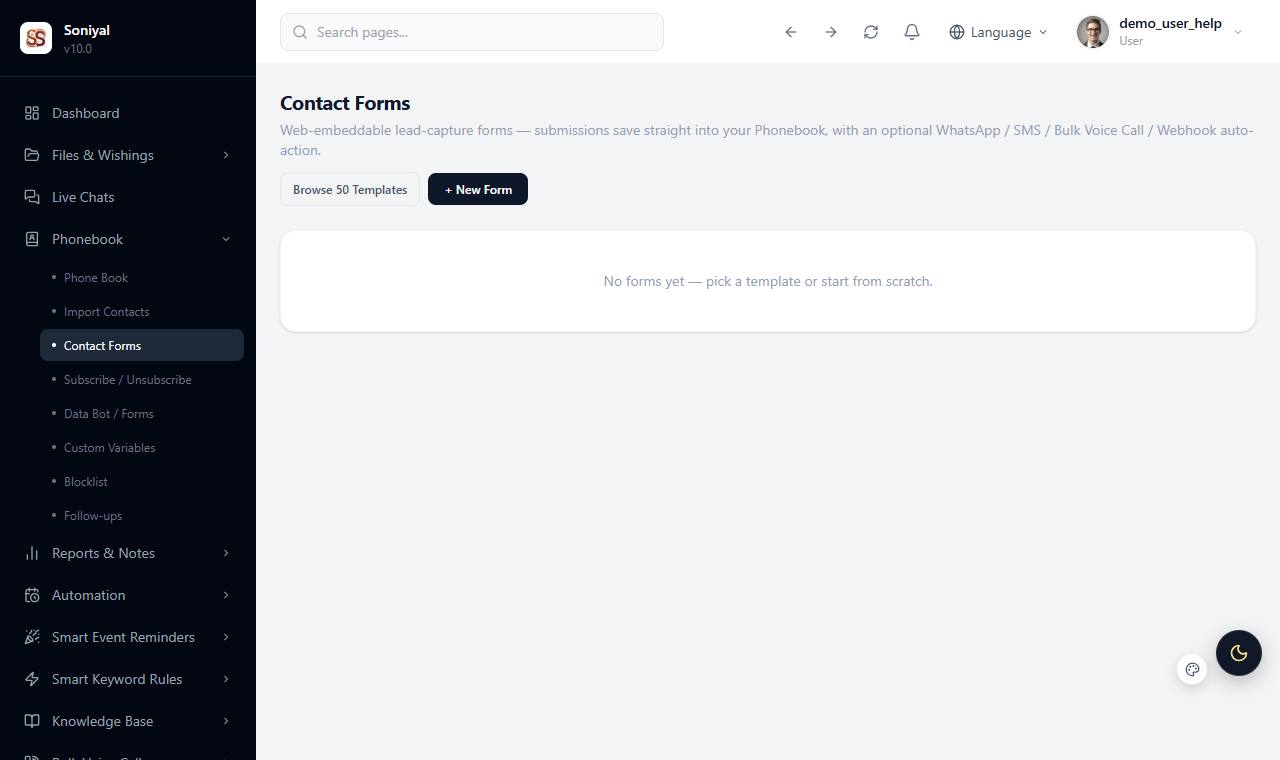
Contact Forms: collect leads straight into your phonebook
Create a form, share its link or embed it on your site, and let every submission land in a phonebook.
Contacts1 min readUpdated:
A Contact Form is a public page or embed with the fields you choose. When a visitor submits it, the contact is saved to a phonebook automatically — and can trigger a welcome message.
When to use it
Lead collection from your website, Instagram bio, QR code at the shop counter or event sign-ups.
Example
A gym prints a QR code on its poster. Visitors fill the “Free trial” form and are saved to the phonebook “Trial leads”.
Pro tips
Keep forms short — name and number convert best.
Add a consent line if you plan to message them.
Step by step
Open Contact Forms
Go to Phonebook → Contact Forms and press Create.
Pick a template
Start from a ready design or from scratch.
Choose fields
Add name, number, email and custom fields; mark what is required.
Select the phonebook
Choose where submissions are saved.
Publish and share
Copy the link or embed code and put it on your website, social profile or QR code.
Review entries
Open the form to see submissions and copy or export them.