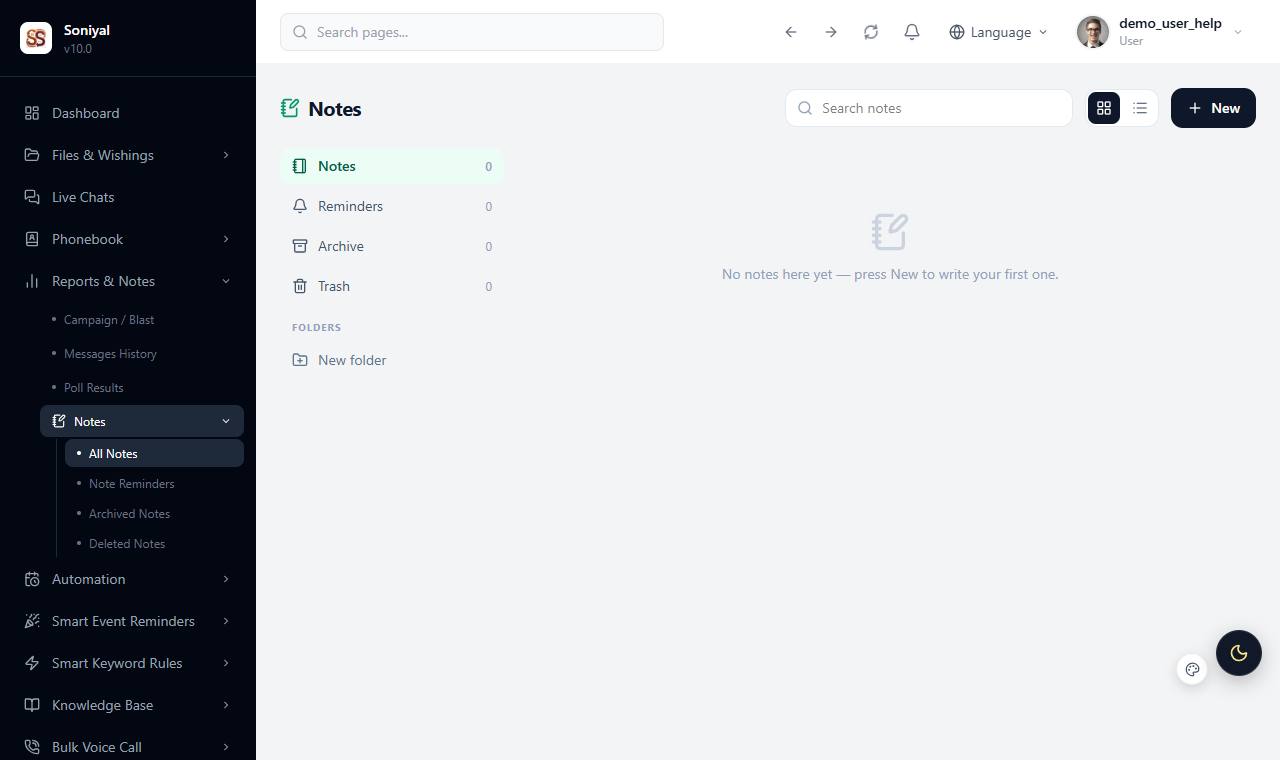
Write notes, build checklists and mind maps, attach voice notes and get reminded on WhatsApp or by notification.
Design & files1 min readUpdated:
Notes is a modern notebook inside your dashboard: plain notes, checklists, mind maps, drawings, photos and voice recordings. Add reminders that notify you, message you on WhatsApp, call you or trigger a webhook.
When to use it
Daily to-dos, meeting notes, customer follow-ups and ideas you want to see again at the right time.
Example
Meena writes “Call supplier” as a checklist and sets a WhatsApp reminder for 11 AM tomorrow.
Pro tips
Notes autosave every few seconds.
Convert bullets to a mind map and back with one click.
Step by step
Open Notes
Click Notes in the sidebar (it is its own menu, right below Reports).
Create a note
Choose a note, checklist or mind map and give it a title.
Write or draw
Type, add checklist items, draw or attach a photo or voice note.
Add a reminder
Choose date and time and how you want to be reminded.
Protect or share
Lock a note with a password or create a public share link.
Organise
Use folders, Archive and the Deleted Notes view.
Frequently asked questions
Can I recover a deleted note?
Yes, from Deleted Notes until it is permanently removed.
Do reminders need the device online?
WhatsApp reminders need a connected number; notifications need your browser to allow them.