Connect your WhatsApp number (QR code or pairing code)
Link a WhatsApp number to the dashboard in under a minute by scanning a QR code from your phone.
Getting started2 min readUpdated:
Before you can send anything you must connect at least one WhatsApp number — called a device. The connection works like WhatsApp Web: you link the number from the phone, and the dashboard can then send and receive on its behalf.
When to use it
Do this once for every number you want to use, and again if a number shows as disconnected.
Example
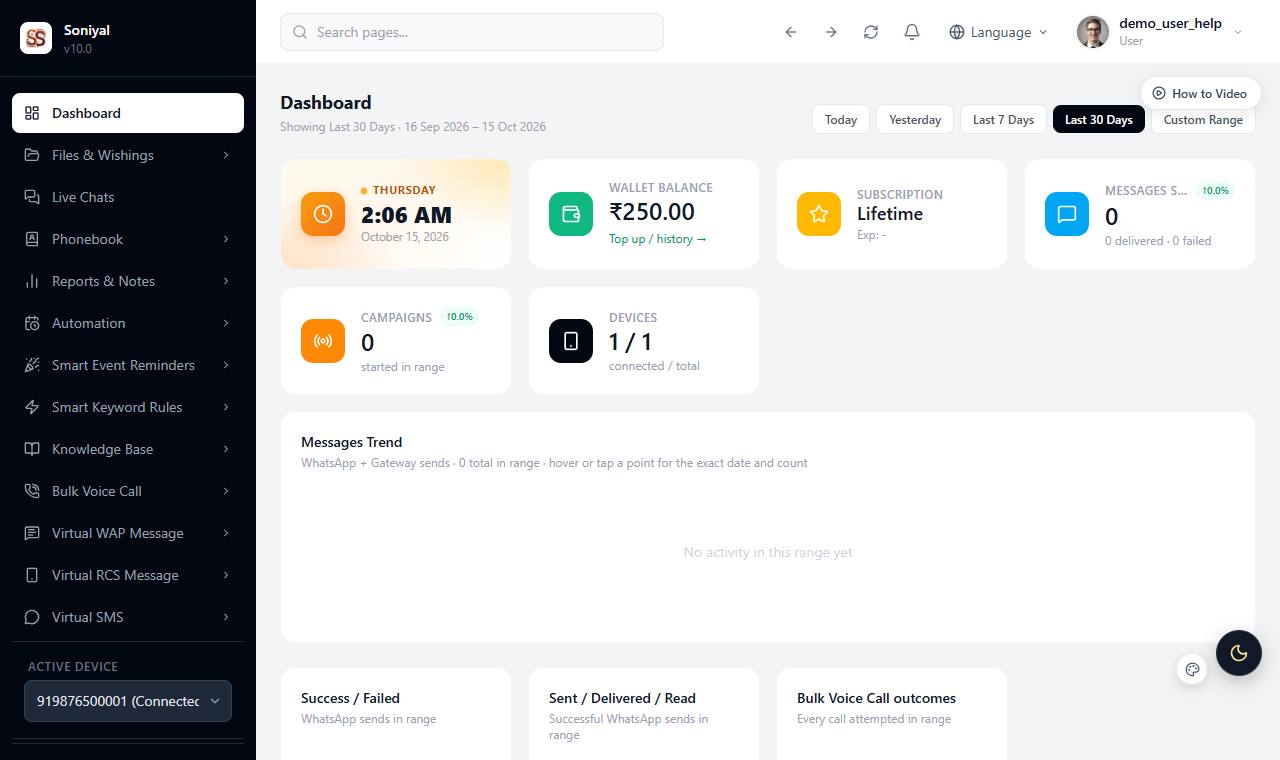
Rahul connects his shop number 98xxxxxx01 by QR code, then adds a second number for support. Both show Connected and he selects whichever one he wants in ACTIVE DEVICE.
Pro tips
Keep the phone connected to the internet for the first few minutes after linking.
Use a dedicated number for marketing so your personal chats stay separate.
If a device disconnects, scan it again — your phonebook and campaigns are not lost.
Step by step
Add a device
On the dashboard press Add Device, give it a name you will recognise and save.
Open the scan page
Open the device’s Scan / Connect page, pick the server if you are asked and wait for the Scan QR Code screen.
Open WhatsApp on your phone
Go to Settings → Linked Devices → Link a device.
Scan the code
Point the phone at the QR code shown on screen (use the pairing-code option instead when your page offers it).
Wait for Connected
The status changes to Connected within a few seconds. The number now appears under ACTIVE DEVICE in the left menu.
Send a test message
Open Test Message and send a message to your own number to confirm everything works.
Frequently asked questions
The QR code expired — what now?
Refresh the page to get a new code; codes are valid for a short time only.
Can I connect more than one number?
Yes. Your plan decides how many devices you can add; each can be selected as the active device.
Will my phone chats be affected?
No. Linking only adds the dashboard as one more linked device.