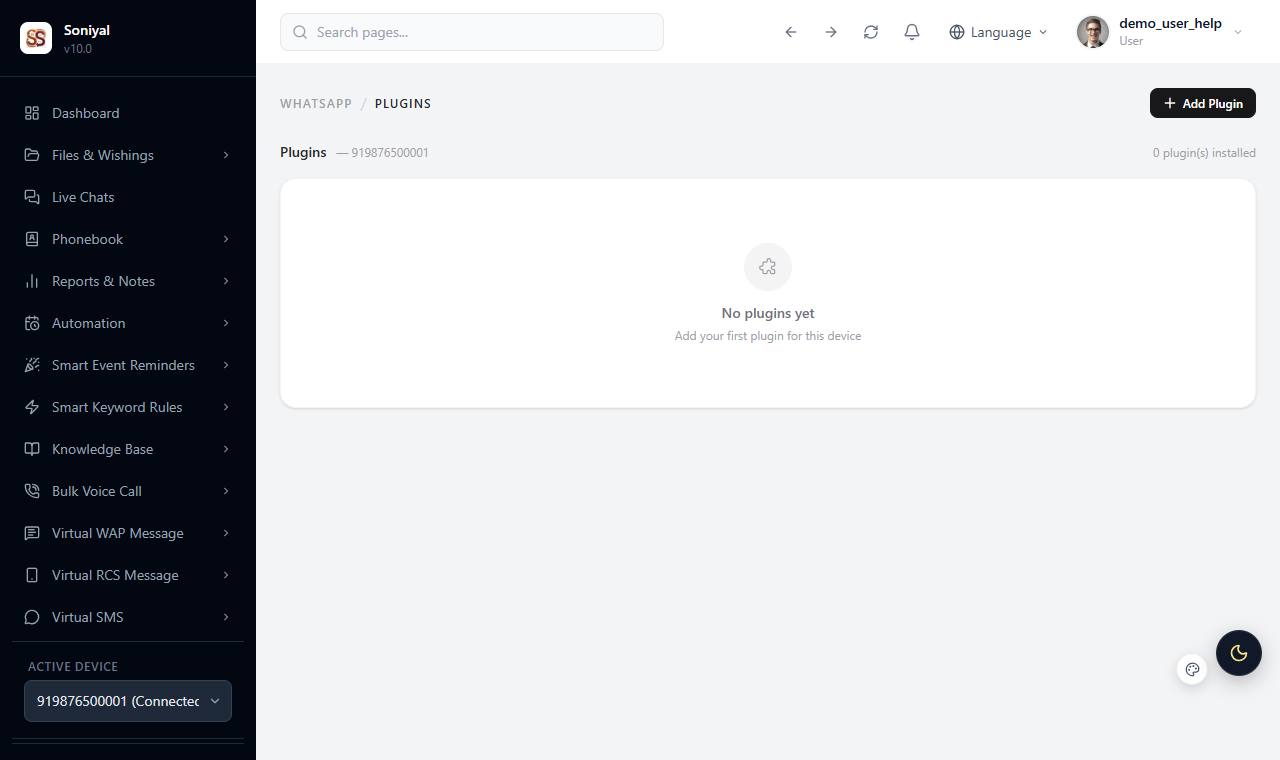
Plugins: AI auto reply (ChatGPT, Gemini, Claude) and more
Connect an AI provider with your own key and let it answer customers on a chosen number.
Automation1 min readUpdated:
Plugins add extra brains to a number. With an AI plugin, incoming messages are sent to ChatGPT, Gemini or Claude using your own API key and the answer is sent back. Spreadsheet and Sticker plugins reply from a sheet or with stickers.
When to use it
When customers ask many different questions that fixed keywords cannot cover.
Example
Instruction: “You are the assistant of Sharma Mart. Answer briefly in Hindi or English.” Customers get instant answers on prices and timings.
Pro tips
Give the AI clear instructions about your business.
Monitor usage because the provider charges on your key.
Step by step
Select the device
Plugins are set per connected number.
Open Plugins
Go to Manage WhatsApp → Plugins (available when enabled for your account).
Choose a plugin
Pick ChatGPT, Gemini, Claude, Spreadsheet or Sticker.
Enter your key
Paste your own API key and choose the model and instructions.
Save and test
Message the number from another phone and read the reply.
Frequently asked questions
Who pays for the AI?
You do, through your own API key with the provider.