Knowledge Base: your business profile, Help page and AI answers
Keep your business facts in one structured place and publish a public help page with optional AI answers.
Business tools1 min readUpdated:
The Knowledge Base stores facts about your business — FAQs, services, pricing, timings — in categories. It can power a public Help page for your customers and, if you enable it, an Ask-AI box that answers from your own data.
When to use it
When you answer the same questions repeatedly, or want a public page that explains your business.
Example
A clinic lists timings, doctors and fees; patients visit the public page and ask “Is Saturday open?”.
Pro tips
Review AI-extracted entries before you publish.
Keep answers short and factual.
Step by step
Open your Knowledge Base
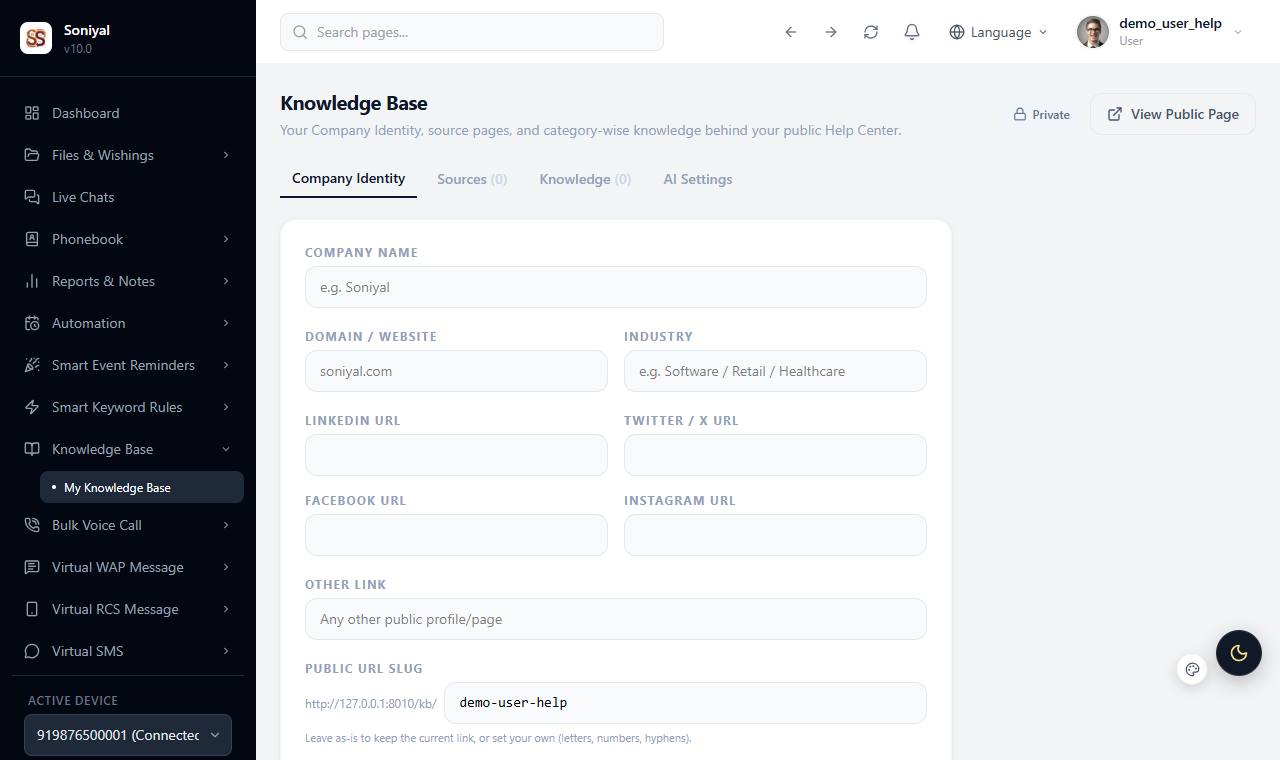
Go to Knowledge Base → My Knowledge Base.
Fill the profile
Add your business identity and the categories that apply.
Add entries
Write FAQs, services, prices and policies.
Add sources
Paste your own web pages so the system can extract facts for you (optional).
Publish
Turn on the public page and share its link.
Enable Ask AI
Optionally let visitors ask questions answered from your data.
Frequently asked questions
Who pays for AI answers?
The provider key you connected; usage is limited by a daily cap.
Is the page indexed by Google?
Public pages can be, so write them like any web page.