Soniyal logo Soniyal
Home Pricing Blog Help Center Contact

Custom Gateways: aapko mile SMS aur voice routes

Admin ke diye SMS / voice gateways use karein: compose, queue, sent, templates aur outcome rules.

Voice aur SMS 1 min me padhein Update:
Custom Gateways: aapko mile SMS aur voice routes

Gateway ek messaging route hai, jaise Bulk SMS ya OTP route. Jin gateways ke aap haqdaar hain unme se har ek ko left sidebar me apni menu entry milti hai, jisme Compose, Queue aur Sent pages hote hain.

Kab use karein

Jab aap admin ke jode provider se SMS ya voice messages bhejte hain.

Example

Ek school Bulk SMS gateway se approved template ke saath “Fee 10 tareekh ko due hai” bhejta hai.

Kaam ki tips

  • Approved templates ko theek waise hi use karein jaise wo approve hue.

  • Wallet balance dekhte rahein — gateways per message charge karte hain.

Step by step

  1. Apna gateway dhoondhein

    Left menu me gateway ka naam dekhein.

  2. Compose karein

    Compose kholein, numbers aur message likhein (ya approved template chunein).

  3. Queue dekhein

    Dekhein kya intezaar me hai aur kya process ho raha hai.

  4. Sent padhein

    Delivery results dekhein aur export karein.

  5. Templates use karein

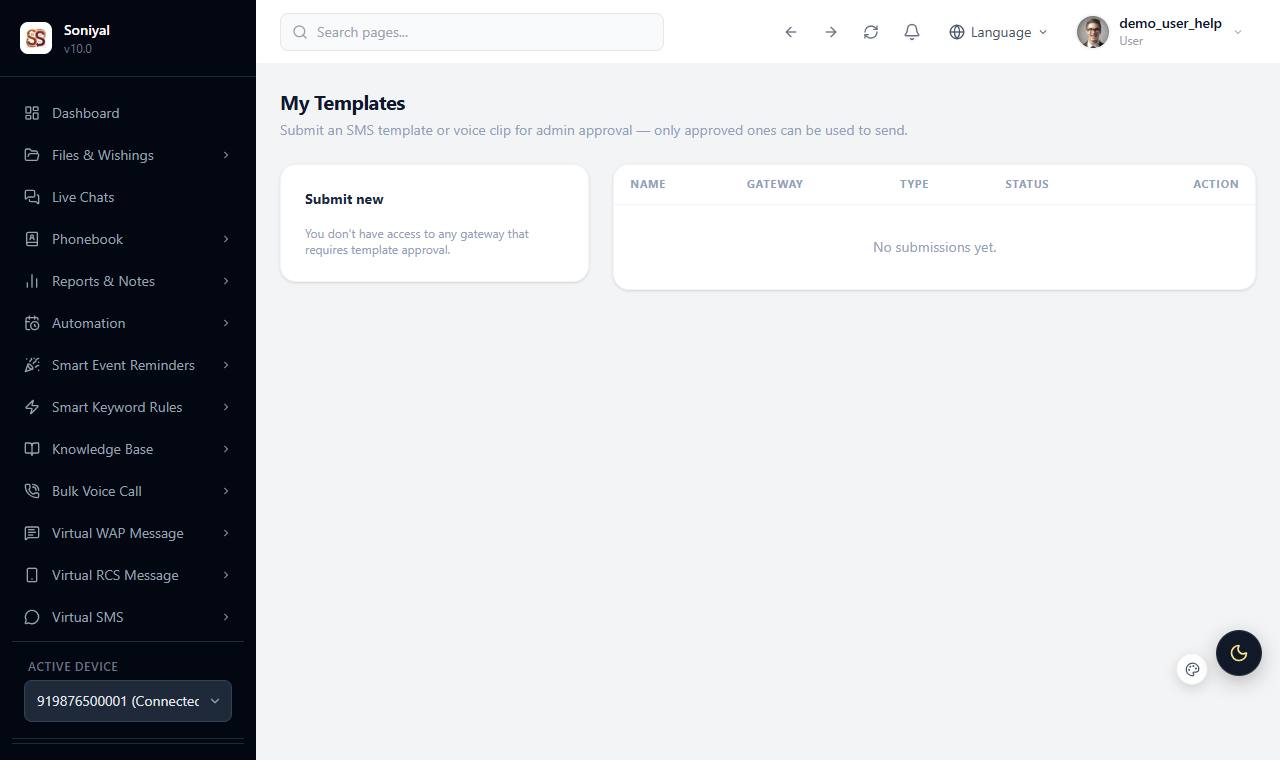
    Jahan provider ko approval chahiye wahan My Templates me banayein aur approval ka intezaar karein.

  6. Preferences set karein

    Jab dikhein tab Keypress Automation, Failover Preferences ya Outcome Automation use karein.

Aksar poochhe jaane wale sawaal

Mere menu me gateway kyun nahi hai?

Ho sakta hai aapke account ko access na mila ho; admin se poochhein.

Failover kya hai?

Agar ek route fail ho to system aapki preference ke anusaar doosra aazma sakta hai.

Khud try karne ke liye ready hain?

Free account banayein aur kuch hi minute me apna pehla WhatsApp number jodein.

Free shuru karein